Submitted by Justine.Pource… on
Télésurveillance
published on 30/09/2026

CCTV & Remote Monitoring for Businesses: A Complete uide to securing your premises

Installing a CCTV and remote monitoring system can help businesses strengthen premises security, deter unauthorised access and monitor activity across their sites. Depending on the system's capabilities, recorded footage can also provide valuable evidence when investigating security incidents.

A burglary does not only cost the value of the equipment that has been stolen. There is also the shopfront to replace, lost stock, production downtime and customers to reassure.

Security is no longer simply a cost. It is part of business continuity. Insurers pay close attention to it, and your customers rely on it.

However, the project can seem complex. Which cameras should you choose? Where should footage be stored? What does the law say about monitoring employees? Between technical choices and legal requirements (UK GDPR, the ICO, employment law), a mistake can quickly prove costly.

This guide explores the benefits of professional CCTV and remote monitoring, outlines six key steps to planning and installing a suitable system, and explains the UK legal and data protection requirements businesses should consider. It also examines the factors that influence installation and ongoing monitoring costs.

The Benefits of CCTV & Remote Monitoring for Businesses

A well-designed CCTV and remote monitoring system can help businesses strengthen security, protect their premises and manage potential threats more effectively. There are four key benefits to consider.

Video

Deterrence

Highly visible cameras are the first line of defence against malicious acts. Many attempted thefts or acts of vandalism are stopped before they even begin.

Headset

Remote alarm verification

When an alarm is triggered, an operator checks in real time what is happening on site, day or night. This is the role of video alarm verification: distinguishing a genuine intrusion from a false alarm before an intervention is triggered. You gain speed and avoid unnecessary call-outs.

Fingerprint

Evidence collection

In the event of theft, damage or assault, recorded footage can be used by the police, your insurer or the courts.

Shield-Check

Employee safety

Remote monitoring also protects your teams, particularly those working shifts, at night or on isolated sites. Knowing that a monitoring centre is watching over the site 24/7 can make a real difference to everyday security.

Centre de télésurveillance Scutum

Six Steps to Installing a CCTV & Remote Monitoring System

A reliable installation follows a clear process. Here are the six steps, in order:

1 Assess Security Risks & Requirements
2 Select the Appropriate Equipment & Technology
3 Understand Legal & Data Protection Requirements
4 Install CCTV & Monitoring Equipment
5 Configure & Test the System
6 Provide Staff Training & Handover

1. Assess Security Risks & Requirements

Selecting the right CCTV equipment begins with understanding what needs to be protected and the specific security risks associated with your premises.

  • Identify priority areas: Assess entrances and exits, storage facilities, car parks, loading bays and other locations where surveillance may be appropriate.
  • Define surveillance objectives: Determine whether cameras are required for general monitoring, detecting activity, identifying individuals or supporting Automatic Number Plate Recognition (ANPR). These objectives will influence camera selection, positioning and image quality requirements.
  • Consider environmental and operational factors: Evaluate lighting conditions, viewing distances, weather exposure and potential obstructions to ensure equipment is suitable for its intended location.
  • Assess privacy and data protection requirements: Consider whether CCTV is necessary and proportionate for its intended purpose, taking account of UK GDPR requirements and the privacy of employees, visitors and members of the public.

A thorough initial assessment helps ensure the proposed CCTV system provides appropriate coverage while meeting the operational and security needs of the business.

Audit de sécurité.png
tick icon

Audit checklist

Which areas have already experienced an incident (theft, intrusion, damage)? Which goods, stock or data are the most sensitive? Do any employees work alone, at night or at weekends? Do I only need an alert, or do I need a human response when an alarm is triggered? Is my site open to the public? What budget can I allocate to the installation and then to the monthly subscription?

2. Select the Appropriate Equipment & Technology

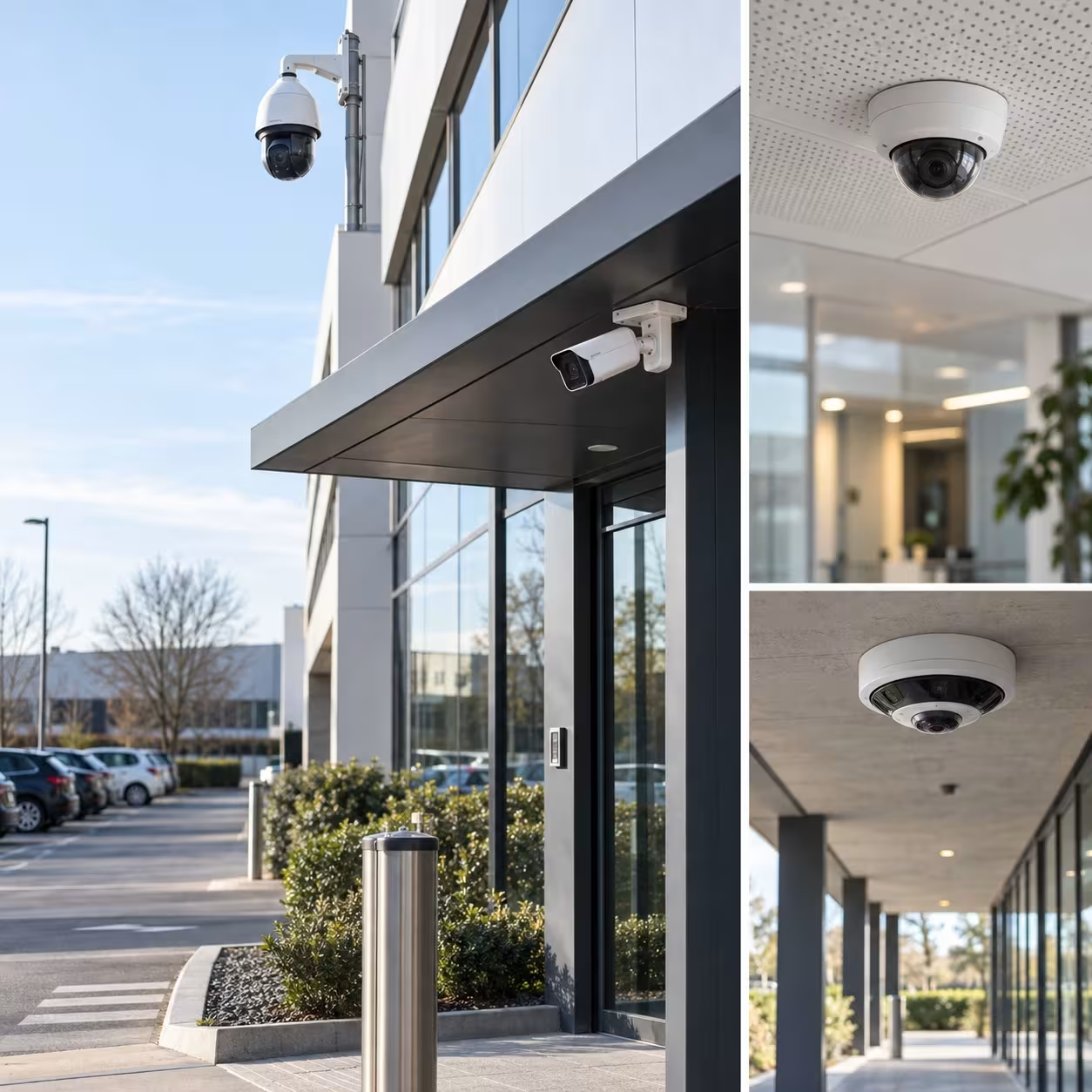
CCTV cameras: Different types of business security cameras offer features suited to specific surveillance requirements:

  • Dome cameras: Compact and discreet, dome cameras are commonly used in offices, reception areas, retail environments and warehouses. Suitable models can also be installed outdoors.
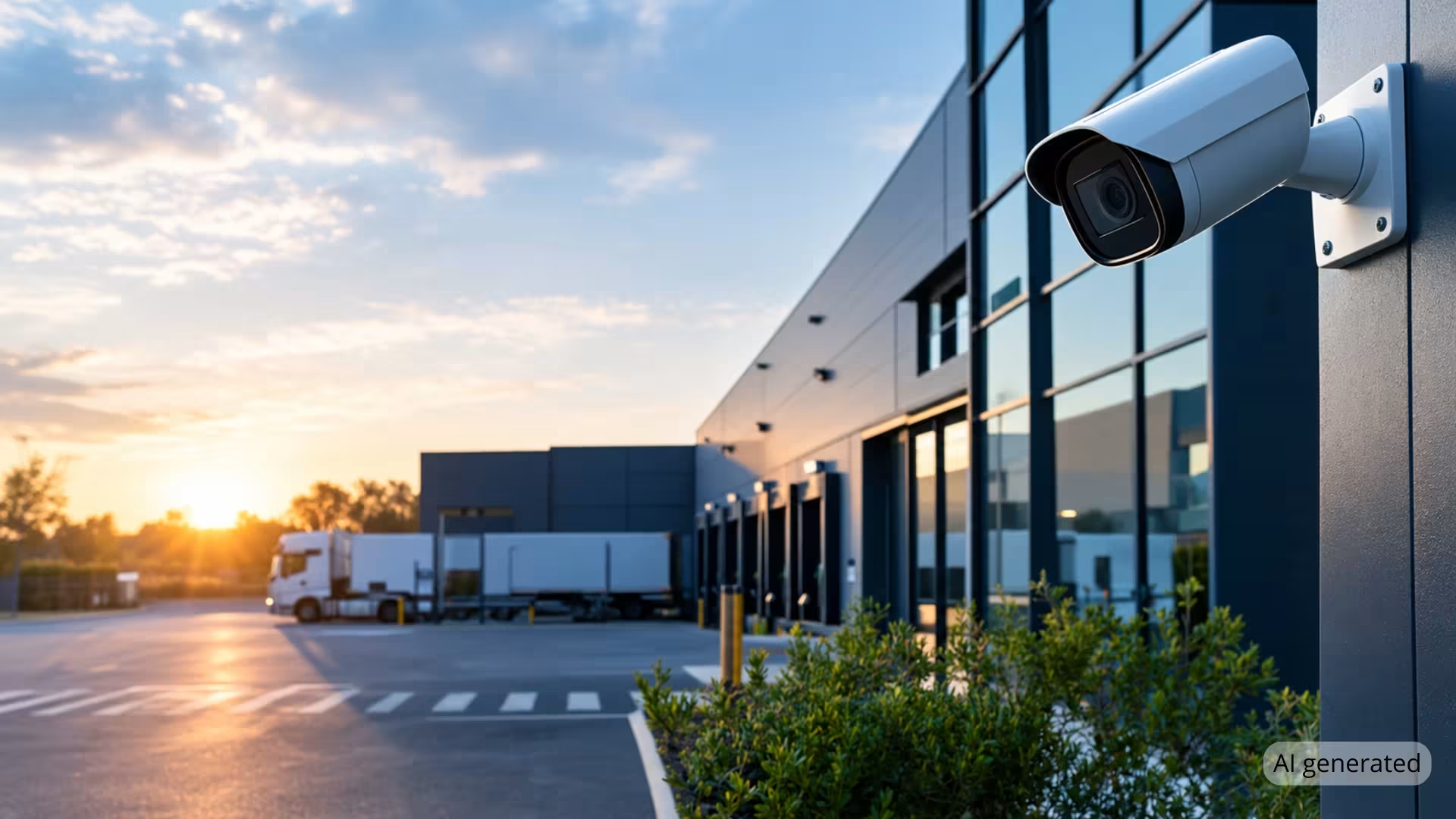
  • Bullet cameras: Their distinctive, visible design makes them a popular choice for monitoring building entrances, external perimeters, car parks and other outdoor areas.
  • PTZ (Pan-Tilt-Zoom) cameras: These cameras can be repositioned and zoomed remotely, making them suitable for monitoring larger areas such as industrial sites, car parks and extensive commercial premises.

The most appropriate camera type depends on the required coverage, lighting conditions, installation environment and specific security objectives.

Caméras dômes, bullets, PTZ et panoramiques

Image quality and night-time surveillance: Camera resolution should be selected according to the intended surveillance purpose, viewing distance and lighting conditions. Full HD cameras may provide sufficient detail for general monitoring, while higher-resolution cameras, including 4K models, can offer greater image detail where required. However, effective identification of individuals or vehicle registration plates also depends on camera positioning, lens selection and environmental conditions.

For low-light or night-time monitoring, technologies such as infrared illumination, low-light imaging and appropriate external lighting can help maintain usable image quality.

Caméras 4K

Video storage:

Local recorder (DVR/NVR) Cloud
Security Footage may be exposed if the equipment is stolen or destroyed Footage stored off-site
Accessibility Quick access on site Remote access from anywhere
Cost Initial investment, no subscription Monthly subscription, limited hardware

Connectivity: Wired IP cameras, including those using Power over Ethernet (PoE), can transmit data and receive power through a single network cable. Wireless CCTV systems may offer greater installation flexibility but can be affected by signal interference, network congestion and connectivity limitations. The most appropriate connection method depends on the site's infrastructure, layout and operational requirements.

CCTV and remote monitoring: CCTV systems enable businesses to view and record activity across their premises, providing footage for live surveillance or subsequent review.

Professional remote monitoring adds an additional level of security by enabling trained operators to assess alerts generated by connected security systems. Depending on the monitoring service and agreed procedures, operators may review associated footage, contact designated keyholders or initiate an appropriate security response.

Combining CCTV with professional remote monitoring can help businesses identify and manage potential security incidents, including outside normal working hours.

For a more detailed comparison, read our guide: Video Surveillance vs. Remote Monitoring: What's the Difference for Your Business?.

3. Understand Legal & Data Protection Requirements

Businesses operating CCTV and remote monitoring systems must comply with relevant UK data protection legislation, including the UK General Data Protection Regulation (UK GDPR) and the Data Protection Act 2018.

Key considerations include:

Necessity and proportionality: CCTV surveillance must have a clearly defined purpose and be necessary and proportionate to the security risks identified. Cameras should be positioned to capture only the areas required, avoiding unnecessary surveillance of neighbouring properties, public spaces or areas where individuals have a reasonable expectation of privacy.

Transparency and signage: Businesses must inform individuals when CCTV is in operation and explain why their personal data is being collected. Clearly visible signs should be displayed in monitored areas, supported by a more detailed privacy notice explaining how footage is used, stored and managed.

Organisations operating CCTV may also be required to pay the Information Commissioner's Office (ICO) data protection fee, unless an exemption applies.

Example of CCTV signage:

CCTV cameras are in operation for the purposes of safety and security.

Operated by: [Company name]

For further information about how CCTV footage is used and your data protection rights, contact: [email address / telephone number].

Employee monitoring: Workplace CCTV requires particular consideration to ensure employees' privacy rights are respected.

  • Employees must be informed about CCTV monitoring and its purpose.
  • Employers must establish an appropriate lawful basis for processing personal data and ensure monitoring is necessary and proportionate.
  • Surveillance should be limited to what is required to achieve a legitimate objective.
  • Footage collected for security purposes should not routinely be repurposed for employee performance monitoring without a separate lawful justification and appropriate transparency.
  • Cameras should not normally be installed in areas where employees have a high expectation of privacy, such as toilets or changing rooms.

Employers should document their reasons for monitoring and consider whether a Data Protection Impact Assessment (DPIA) is required, particularly where surveillance is likely to present a high risk to individuals' rights and freedoms.

Customers and visitors: Businesses must provide clear information about CCTV monitoring, typically through visible signage supported by an accessible privacy notice.

Footage storage and retention: CCTV recordings should be stored securely, with access restricted to authorised personnel. Footage must not be retained for longer than necessary for its stated purpose. There is no universal 30-day retention requirement; businesses should establish and document an appropriate retention period based on their circumstances.

Further guidance is available from the Information Commissioner's Office (ICO).
4. Install the CCTV & Monitoring Equipment

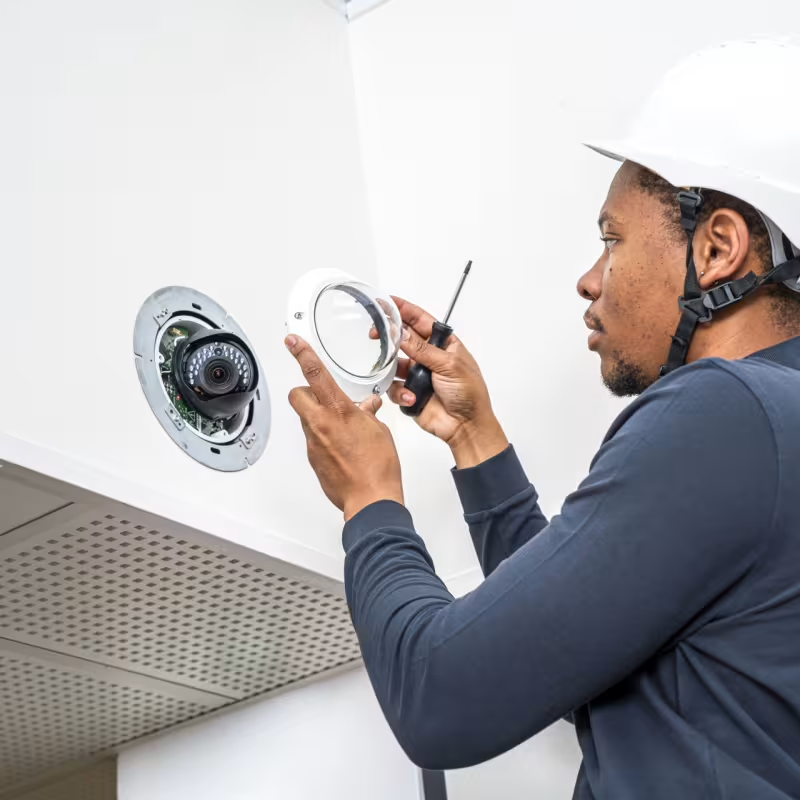
Professional installation is essential to ensuring that CCTV equipment operates effectively and provides the coverage identified during the initial security assessment.

  • Camera positioning and viewing angles: Position cameras to maximise coverage of priority areas, minimise blind spots and reduce issues caused by glare, backlighting or obstructions. Camera placement should also take account of privacy and data protection requirements.
  • Cable routing and protection: Install and secure cabling using appropriate methods, such as conduit, trunking or concealed cable routes, to protect equipment from damage, interference and potential tampering.
  • Power supply and resilience: Ensure cameras, recording equipment and associated network infrastructure have a suitable, reliable power supply. Where appropriate, an Uninterruptible Power Supply (UPS) can provide temporary backup power during an outage, helping maintain system operation for a defined period.

Working with an experienced CCTV installer such as Scutum can help ensure equipment is correctly positioned, professionally installed and configured in accordance with relevant technical standards and the specific security requirements of the premises.

Scutum surveillance camera - tech 2

5. Configure & Test the System

Even high-quality CCTV equipment may fail to deliver effective security if it is not correctly configured and tested.

Key considerations include:

  • Camera and recording settings: Configure image resolution, recording schedules, timestamps and footage retention periods according to the system's intended purpose and operational requirements.
  • Motion detection and alerts: Set up detection zones and sensitivity levels to identify relevant activity while minimising unnecessary or false alarms.
  • User access and cybersecurity: Create individual accounts for authorised users, apply appropriate access permissions, use strong authentication and ensure devices are securely configured.
  • Remote monitoring integration: Where professional monitoring is required, connect the system to the appropriate monitoring service and establish agreed alert and escalation procedures.
  • System testing: Verify camera coverage, image quality, recording and playback functions, alert generation and any remote monitoring connections to ensure the system operates as intended.

Thorough configuration and testing help ensure the CCTV system performs reliably and supports the security requirements identified during the initial assessment.

6. Staff Training & Hand

The final stage of a CCTV installation is ensuring that authorised personnel understand how to operate the system securely and responsibly.

Training should cover:

  • System operation: How to view live footage, retrieve recordings and use relevant system functions.
  • Confidentiality and access controls: Ensuring CCTV footage is accessed only by authorised individuals and handled securely.
  • Data protection responsibilities: Understanding how to manage footage in accordance with UK data protection requirements, including retention periods, secure deletion and responding appropriately to requests from individuals whose images have been recorded.
  • System management: Knowing how to report faults, manage user access and arrange ongoing maintenance and support.

A clear handover should also include relevant system documentation, operating instructions and details of maintenance and support arrangements.

Compliance does not end when a CCTV system is installed. Businesses must ensure that it continues to be operated securely, appropriately and in accordance with applicable legal requirements.

Femme qui sourit avec ses collègues pendant la formation DATI Connect

Conclusion: Protect Your Business with the Right CCTV Solution

An effective CCTV and remote monitoring system requires more than choosing the right cameras. Successful implementation depends on three key factors:

  • A thorough security assessment to identify potential vulnerabilities and establish clear surveillance requirements.
  • Appropriate technology and professional installation to provide effective coverage, reliable performance and ongoing support.
  • Legal compliance and responsible system management to ensure CCTV is operated securely and in accordance with UK data protection requirements.

Working with an experienced security provider can help businesses navigate these considerations and develop a solution tailored to their premises, operational requirements and security risks.

At Scutum, we work with businesses to assess their security needs and deliver tailored CCTV and video surveillance solutions, with professional remote monitoring available where required.

Whether you're installing a new system or reviewing your existing security arrangements, our team can help you identify the most appropriate approach to protecting your people, property and business operations.

Contact our team to discuss your CCTV and remote monitoring requirements.

FAQs About CCTV & Remote Monitoring

Can dummy cameras be installed?

Dummy CCTV cameras may provide a visual deterrent against opportunistic theft, trespassing or vandalism. However, their effectiveness is limited because they cannot capture footage, detect security incidents or provide evidence following an event.

Unlike operational CCTV cameras, dummy cameras cannot support professional remote monitoring or video alarm verification.

For businesses requiring reliable surveillance and incident detection, dummy cameras should not be considered a substitute for a properly designed and installed CCTV system.

How long can CCTV footage legally be retained?

Under UK data protection legislation, there is no fixed legal retention period for CCTV footage. Recordings should only be kept for as long as necessary to fulfil the purpose for which they were collected.

Businesses must establish an appropriate retention period based on their security requirements, document their justification and review it regularly.

Footage may be retained for longer where necessary for an ongoing investigation, insurance claim or legal proceedings, provided the extended retention is justified.

All recordings should be stored securely, with access restricted to authorised personnel, and deleted when they are no longer required.

Can I film a public road or pavement from my business ?

Yes, business CCTV cameras can capture public roads or pavements where this is necessary and proportionate for a legitimate security purpose.

However, businesses should minimise unnecessary recording of public areas and ensure that camera positioning is appropriate for the intended surveillance objectives.

Where cameras capture identifiable individuals or vehicles beyond the business premises, the organisation must comply with applicable UK data protection requirements, including providing appropriate signage and privacy information.

Privacy masking can help restrict surveillance of areas that do not need to be monitored, while appropriate camera positioning can further reduce unnecessary intrusion.

Is a CCTV maintenance contract compulsory?

A CCTV maintenance contract is not generally a legal requirement in the UK. However, regular maintenance is strongly recommended to ensure the system continues to operate effectively and reliably.

Depending on the agreement, a maintenance contract may include routine inspections, camera cleaning, system testing, software and firmware updates, and technical support or repairs.

Regular maintenance can help identify potential faults, maintain image quality and reduce the risk of equipment failure.

Businesses should also check whether their insurance policy, remote monitoring agreement or other contractual obligations specify particular maintenance requirements. Some monitoring packages may include maintenance, while others provide it as a separate service.

How much CCTV & remote monitoring cost for a small busines?

How much does CCTV and remote monitoring cost for a small business?

The cost of installing CCTV and remote monitoring for a small or medium-sized business depends on several factors, including the size and layout of the premises, the number and type of cameras required, and the level of security coverage needed.

Businesses should distinguish between the initial cost of equipment and installation and any ongoing charges for professional remote monitoring, maintenance and support.

Additional features, such as video alarm verification, access control integration and advanced video analytics, may also influence the overall cost.

A professional security assessment can help identify the most appropriate solution for your premises and provide an accurate quotation based on your specific requirements.

Scutum, Shielding your future.