Submitted by Joe Semaan on
Installation
published on 28/10/2026

How to install a remote monitoring system in your business?

Written by Jonathan Tripier

Installing a remote monitoring system in your business is a strategic step to deter intrusions, keep watch over your property remotely and gather evidence if an incident occurs.

A break-in doesn’t just cost the price of the stolen equipment. There’s the shop window to replace, the lost stock, production brought to a halt and customers to reassure. Today, security is no longer just a cost item. It is part of business continuity. Insurers look at it closely, and your customers rely on it.

Yet the project can seem complex. 

  • Which cameras should you choose? 
  • Where should you store the footage? 
  • What does the law say about monitoring employees? 

Between technical choices and legal constraints (UK GDPR, ICO guidance, employment law), one mistake can quickly prove costly.

This guide takes you through it step by step. You’ll find the benefits of a professional remote monitoring system, a 6-step method for installing it, the rules to follow and some budget guidelines.

Why install a remote monitoring system in your business?

A well-designed system addresses four key needs.

  • Deterrence. Clearly visible cameras are the first line of defence against malicious acts. Many attempted thefts or acts of vandalism stop before they have even begun.
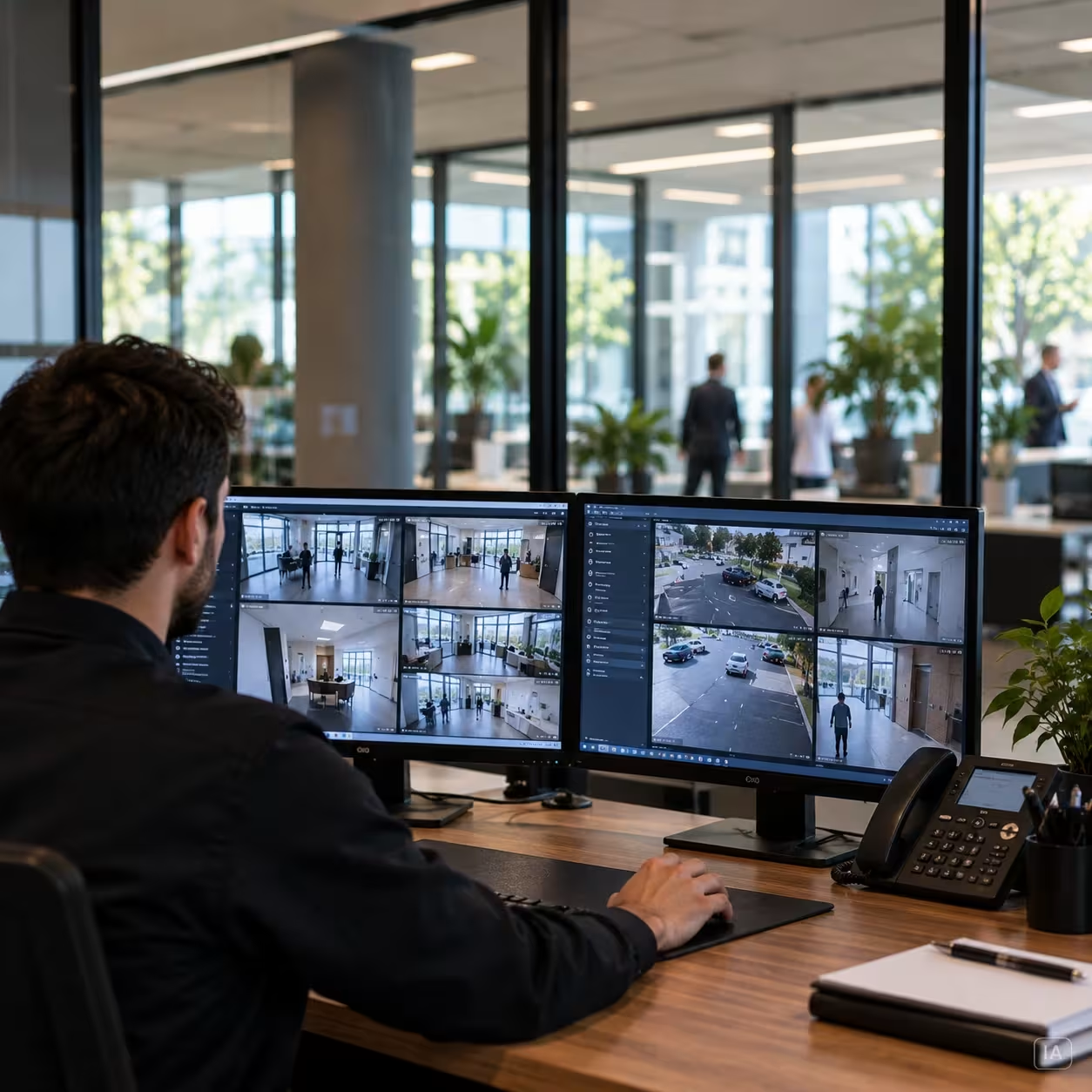
  • Remote alarm verification. When an alarm is triggered, an operator checks in real time what is happening on site, day and night. This is the role of video alarm verification: telling a genuine intrusion apart from a false alarm before a response is dispatched. You react faster and avoid unnecessary call-outs.
  • Gathering evidence. In the event of theft, damage or assault, recorded footage can be used by the police, your insurer or the courts.
  • Staff safety. Remote monitoring also protects your teams, especially those who work unsocial hours or on isolated sites. Knowing that a monitoring centre is keeping watch 24/7 makes a real difference day to day.

The 6 key steps to a successful installation

A reliable installation follows a method. Here are the six steps, in order:

1 Carry out a security audit and define your needs.
2 Choose the right equipment and the right technology.
3 Understand and comply with the legal framework.
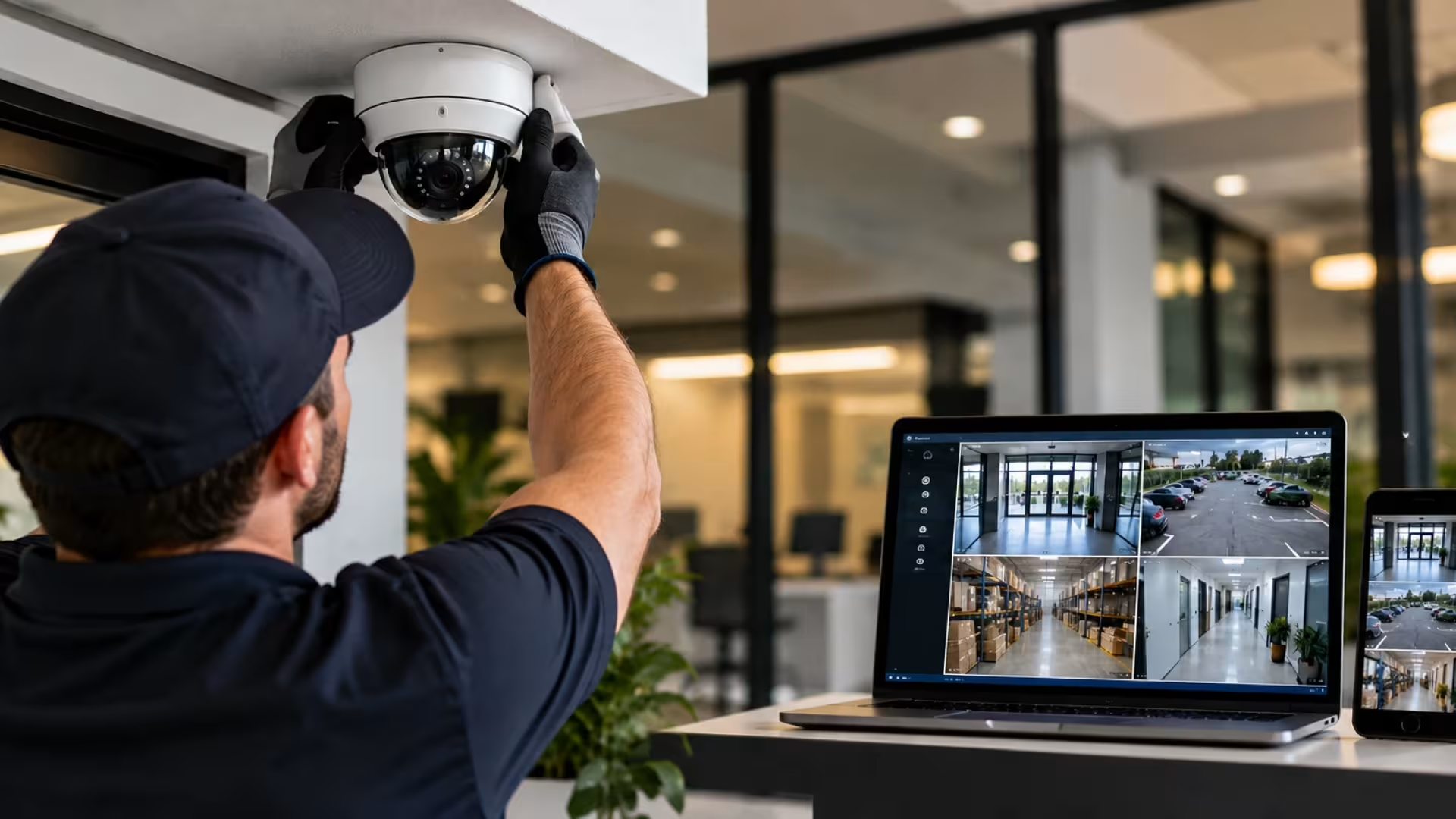
4 Physically install the equipment.
5 Configure the system.
6 Train the users.

1. Carry out a security audit and define your needs

You don’t choose a camera before you know what it needs to protect. That’s what the audit is for.

  • Identify critical areas: entrances and exits, storage areas, tills, car parks, server rooms.
  • Define the purpose of each camera: general monitoring of an area, identifying people or reading number plates. The more specific the purpose, the more capable the camera needs to be.
  • Assess the constraints: light levels by day and by night, exposure to bad weather, the distance to be covered.


Audit checklist 
Which areas have already experienced an incident (theft, intrusion, damage)? 
Which assets, stock or data are the most sensitive? 
Do employees work alone, at night or at weekends? 
Do I need a simple alert, or human intervention when an alarm is triggered? 
Is my site open to the public? 
What budget can I allocate to the installation, and then to the monthly subscription?

2. Choose the right equipment and technology

Cameras. 

Each type of business security camera suits a particular use:

  • Dome: discreet, ideal indoors (reception, offices, warehouse).
  • Bullet: more visible and therefore more of a deterrent, suited to outdoor use (façades, access points).
  • PTZ (motorised): rotates and zooms remotely to cover large areas such as a car park.


Image quality.

Full HD is enough to monitor an area. 4K is the right choice for identifying a face or a number plate at a distance. Infrared night vision is essential for effective 24/7 monitoring.


Storing the footage.

Local recorder (DVR/NVR) Cloud
Security Footage at risk if the equipment is stolen or destroyed Footage stored off-site
Accessibility Quick access on site Remote viewing, from anywhere
Cost Upfront investment, no subscription Monthly subscription, little equipment

Connection. 

Wired (IP/PoE) carries both data and power over a single cable. Wireless (Wi-Fi) is easier to install but more vulnerable to interference and jamming. For businesses, we recommend wired: it guarantees a stable image, with no dropouts.


CCTV or remote monitoring? 

This is the choice that will shape your project the most.

  • With CCTV, you are the one watching the footage, live or after the event.
  • With remote monitoring, an alarm receiving centre (ARC) is alerted automatically and takes action, 24/7.
Pictogramme utilisateur

Jonathan Tripier, Pre-Sales Design Office Manager, Scutum France

“An effective access control architecture is designed on the basis of an analysis of flows, risks and operating constraints. It must also build in cybersecurity considerations from the outset, to ensure the overall resilience of the system against both physical and digital threats.” 

At Scutum, every alert is assessed by an operator, supported by video analytics, before any response is triggered. The system doesn’t just record: it responds, in the same way, every time. To find out more, read our article CCTV vs Remote Monitoring: What’s the Difference for Your Business?

3. Understand and comply with the legal framework

The rules on remote monitoring in the workplace are strict. Here are the essentials.


The principle of proportionality. 

You may only film what is necessary for a specific security purpose. Excessive surveillance is not allowed.


Informing people. 

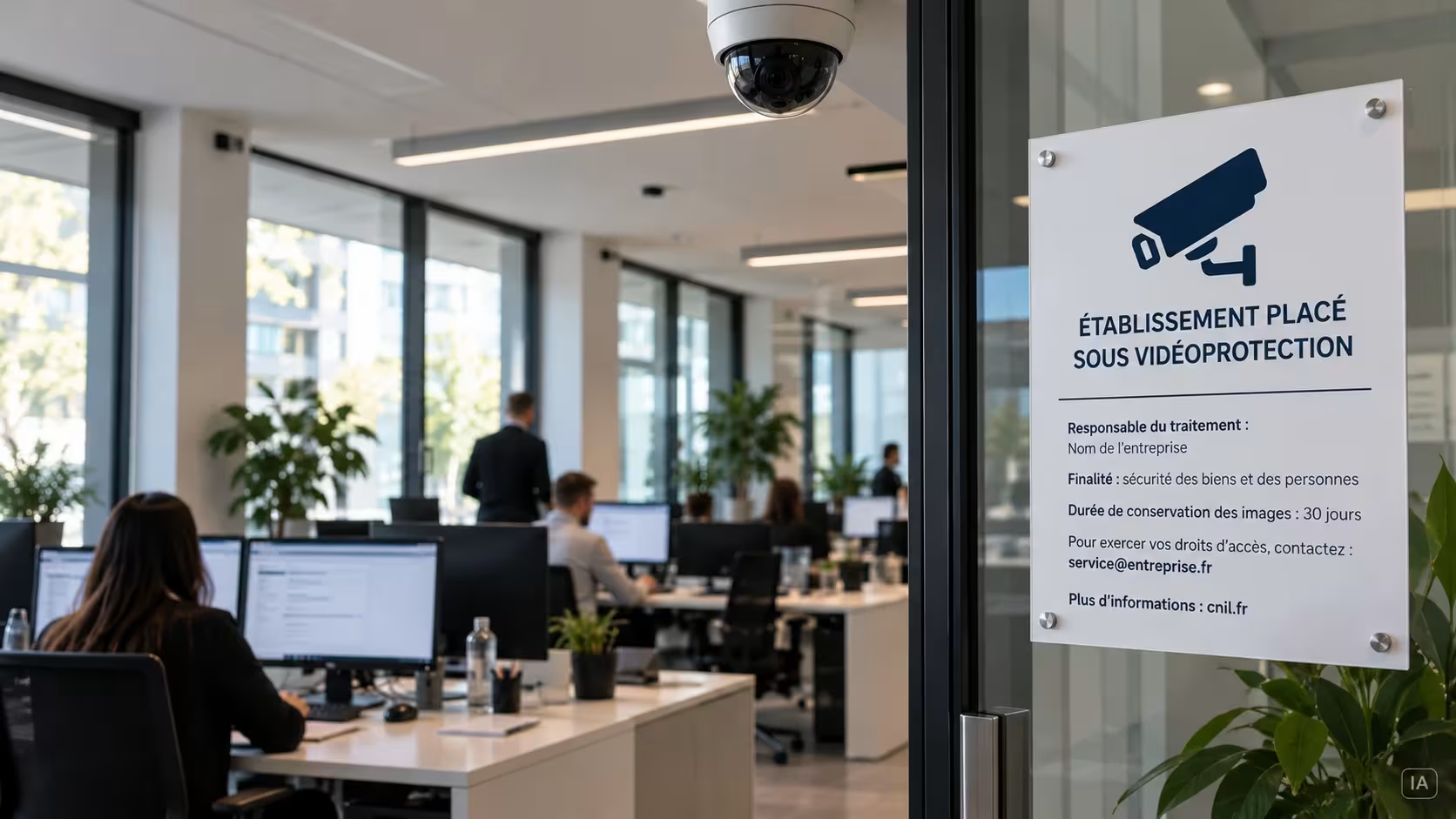
You must display clearly visible signs stating:

  • that CCTV is in operation;
  • the purpose of the system;
  • the organisation operating the system;
  • who to contact about it, including to request access to footage.


Sample CCTV sign
“CCTV in operation.
Data controller: [Company name].
Purpose: protecting property and people.
Images kept for: [30] days.
To request access to footage of you, contact: [department / email address].
More information: ico.org.uk”

Respect de la vie privée et réglementation de la télésurveillance - horizontal.webp

Employees. 

The law on workplace monitoring protects their privacy:

  • You should seek the views of workers or their representatives (such as trade unions) before installation, as recommended by the ICO.
  • You must inform every worker concerned about the nature and extent of the monitoring.
  • Filming an employee continuously at their workstation is only likely to be justified in rare circumstances (handling cash, for example).
  • Monitoring should be confined to areas where expectations of privacy are low: areas such as toilets and changing rooms should only be filmed in the most exceptional circumstances.


Customers and visitors. 

Clear signage at the entrance is the main way to inform them.


UK GDPR and the ICO. 

You must also:

  • pay the data protection fee to the ICO, if you are not already registered;
  • record the system in your record of processing activities;
  • limit how long footage is kept: UK law sets no minimum or maximum period, so keep it for the shortest time your purpose requires;
  • secure access to footage, restricted to authorised people only.

These obligations are sometimes seen as a hindrance. Built in from the design stage, they actually protect the business, whether it faces an inspection or a dispute.

4. Physical installation of the equipment

This is where the quality of the work makes all the difference.

  • Camera positions and angles: cover every area identified during the audit, with no blind spots, avoiding backlighting.
  • Cable routing: follow good practice (trunking, suspended ceilings) for a discreet, durable installation that is hard to sabotage.
  • Power supply: provide a stable power supply and a UPS (uninterruptible power supply), so the system keeps running during a power cut.

Using a certified installer such as Scutum ensures a reliable installation that complies with standards and is recognised by insurers. 

5. System configuration

Good equipment that is badly configured offers no protection. Configuration covers:

  • configuring the recorder and cameras (resolution, recording time, time-stamping);
  • motion detection, set zone by zone to limit false alarms;
  • setting up secure, named access accounts for authorised people only;
  • connection to the alarm receiving centre, if you have chosen this option.

6. User training

Dernière étape, souvent négligée. Les personnes habilitées à consulter les images doivent savoir :

  • utiliser le système, en direct comme en relecture 
  • appliquer les règles de confidentialité 
  • respecter les droits des personnes filmées (accès, conservation, suppression).

Un dispositif conforme le jour de l’installation doit le rester au quotidien.

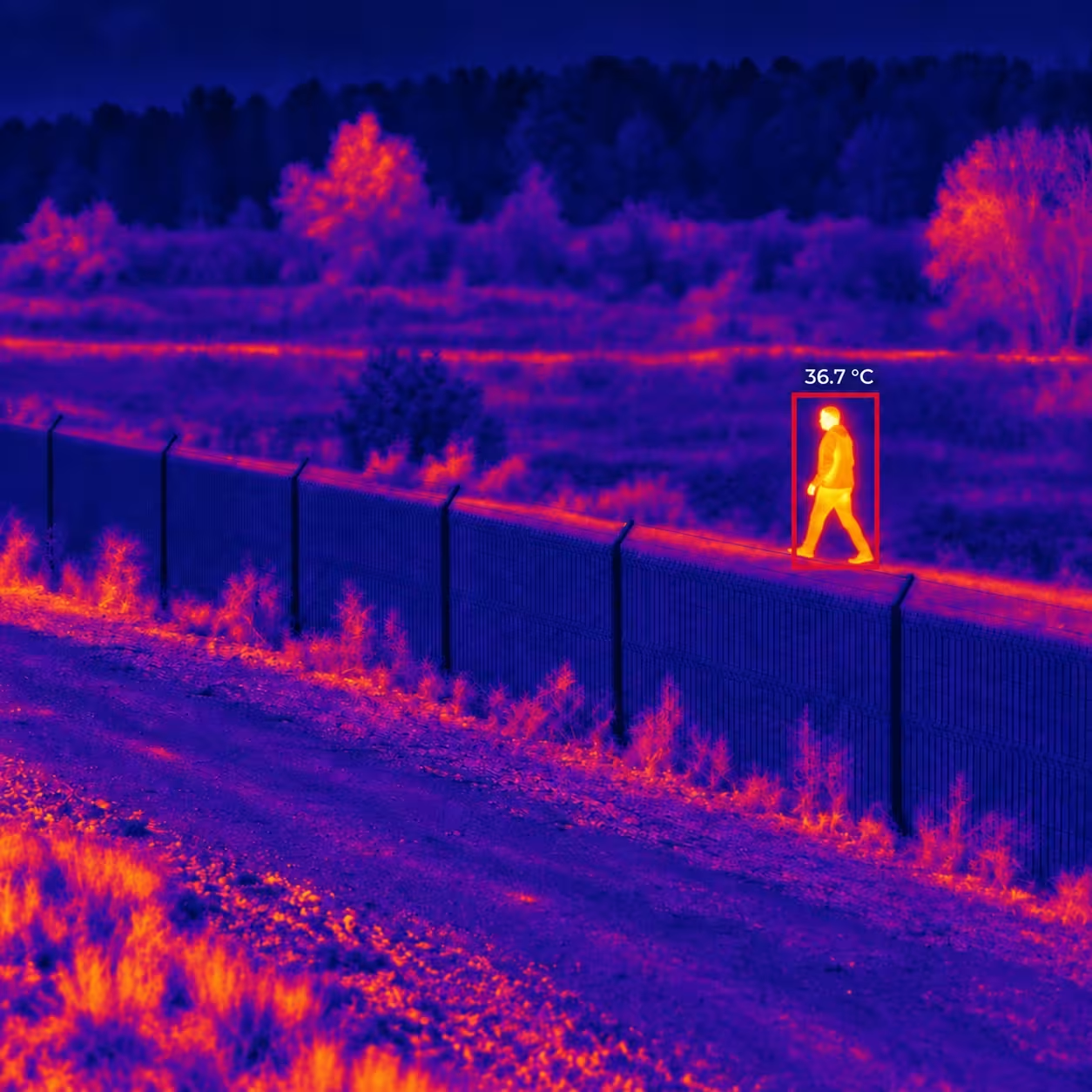
Caméras thermiques
 Conclusion

Conclusion: move from theory to practice with an expert

A successful installation rests on three pillars:

  • a precise audit of your actual needs;
  • equipment suited to your site and your business;
  • scrupulous compliance with the law, from UK GDPR to employment law.

Entrusting your project to Scutum means having a single point of contact for all three, from the audit to 24/7 monitoring. Our expertise is built on more than 35 years of experience and more than 425,000 protected sites. One ambition: to deliver operational certainty, so your success is built to last.

Contact our experts today for a free security audit and a tailored proposal.

FAQ: your questions about installing remote monitoring

How long can footage legally be kept?

The retention period must be justified by the purpose of the system. UK data protection law does not set a minimum or maximum period: footage should be kept for the shortest time that purpose requires. Images can be kept for longer if they are needed for an investigation or legal proceedings. The business must be able to justify the period it chooses under data protection rules.

Am I allowed to film the public street from my business?

As a general rule, no: cameras should be pointed at the business’s private areas. The public street may appear to a very limited extent if this is technically unavoidable. The system must not make it possible to monitor passers-by or vehicles continuously. Privacy masks can be configured to hide the areas concerned. The installation must comply with privacy and data protection rules.

Is a maintenance contract compulsory?

No, it is not always compulsory. It is, however, strongly recommended to keep the system working properly over time. A maintenance contract usually includes periodic checks, software updates and call-outs in the event of a fault. It reduces the risk of a malfunction at the very moment the system is needed. Some remote monitoring contracts already include maintenance.

How much does a remote monitoring system cost for an SME?

The cost of installing remote monitoring depends on the size of the premises, the number of cameras, the access points to be secured and the features required. You need to distinguish between the cost of installing the equipment and the cost of the remote monitoring subscription. A small SME can be equipped for a few thousand pounds, plus a monthly subscription depending on the level of service. Options such as video alarm verification, access control or fire detection will affect the price. A security audit will give you a quote tailored to your actual needs.

Scutum, Shielding your future.